
Experience
25+ years where finance, operations, IT, and AI now meet.
My work is shaped by senior finance leadership, utility operations, asset controls, revenue systems, and hands-on software delivery.
Years as General Manager - Finance at Tonga Power Limited.
International donor-funded project transactions managed and reconciled.
Public digital platforms, demonstrations, and learning tools personally designed, built, deployed, and improved.
Finance discipline
I learned systems from the inside of real organisations, not from theory alone.
At Tonga Power Limited, my last role was General Manager - Finance. The Accounts Department, HR, Administration, IT, meter readers, revenue collection, and customer service functions were under my portfolio. That gave me a practical view of how money, people, customers, assets, and field operations connect.
That experience shaped my understanding of asset management, power-station maintenance and overhaul cycles, power-station assets, network assets, fuel and stock controls, billing accuracy, and the discipline needed for clean audits and confident reporting.
I also led implementation of the TechnologyOne integrated financial system, including migration, training, parallel reconciliation, and go-live control. That is why I care about systems that actually close the loop.
Why now
AI makes a one-person specialist team more capable - if the business process is understood first.
The explosion of AI technology changed what a small island economy can realistically build. Used responsibly, AI can help prepare drafts, check records, read documents, monitor exceptions, generate reports, and keep work moving - while humans remain accountable for decisions.
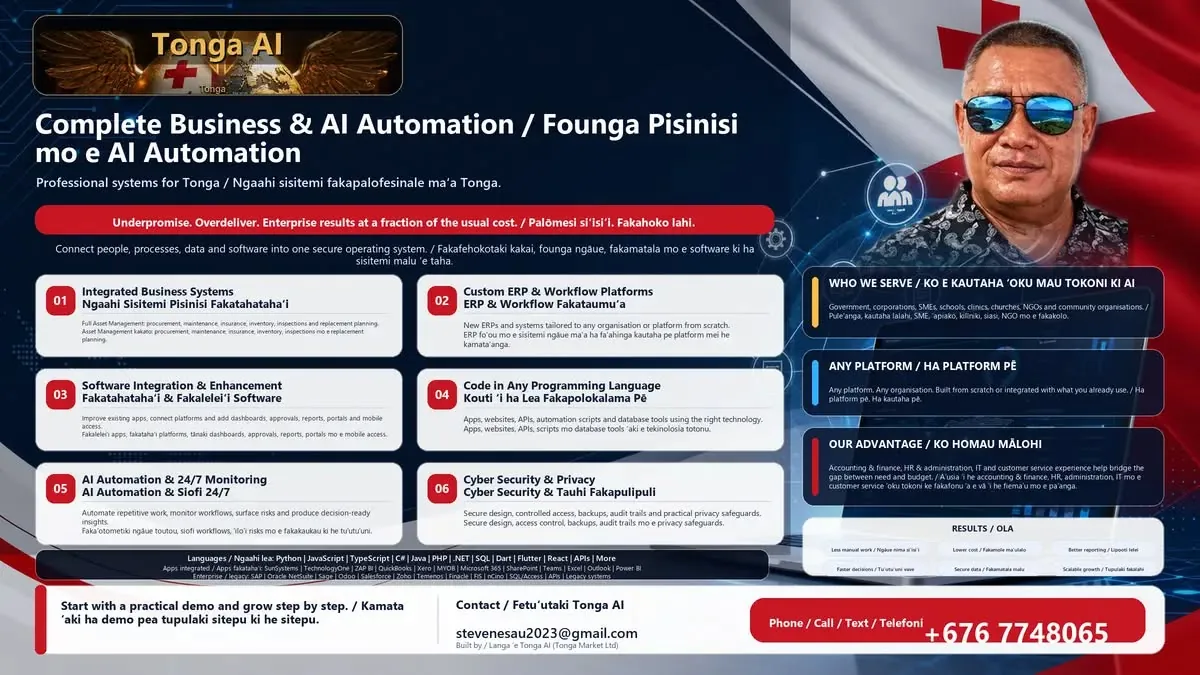
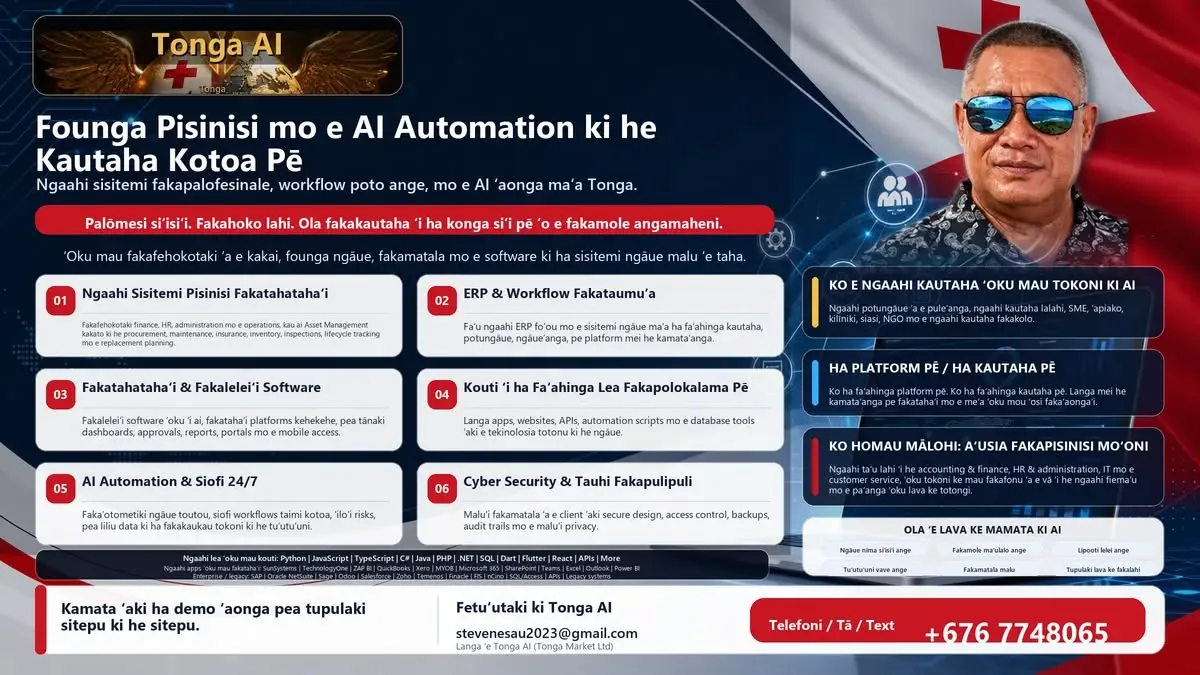
My advantage is the combination: finance discipline, operational controls, software development, and early hands-on use of AI. That allows Tonga Market Ltd to offer comprehensive business IT solutions and AI-assisted automation at a cost level that can make sense for Tonga and the Pacific.
Prototype-first delivery
Clients should experience the working process before committing to a major build.
- Discover the work Map the department or organisation workflow, approvals, data sources, risks, and reports.
- Build a safe prototype Host a working prototype with sample data so the client can test the process transparently.
- Protect the process Use clear conditions so transparency does not expose confidential methods, client data, or reusable process design.
- Migrate and test Move to the client environment, load approved real data, and test through month-end cut-offs and reporting cycles.
- Support and improve Keep a long-term support and upgrade pathway agreed with the client, using monitoring and AI-assisted review to find improvements.
06 / Drill down
Use screenshots to explain each step, then collapse them again.
The summary boxes stay in place while the supporting images open and close inside the page.
01Discover the work
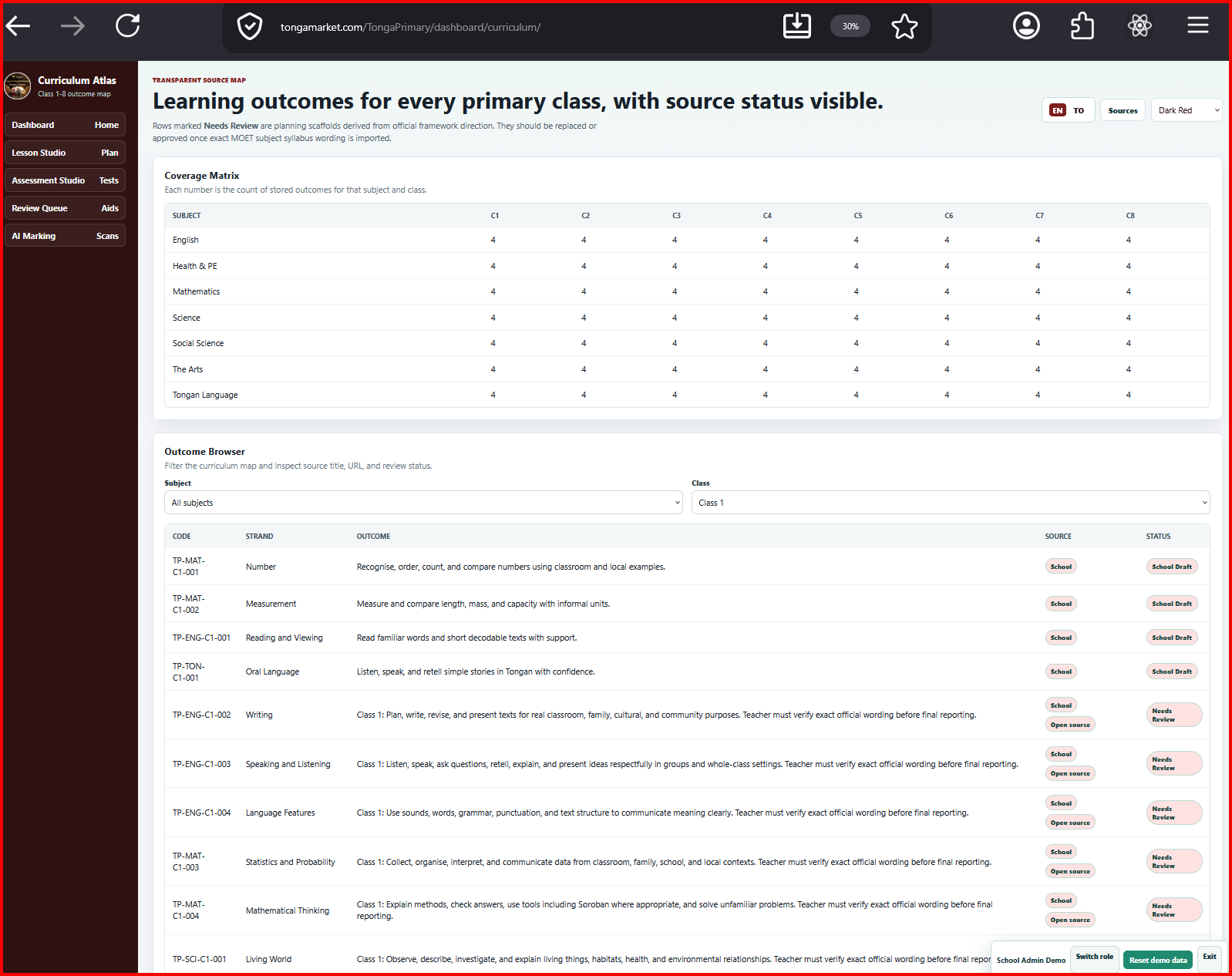
Show the workflow map, the stakeholders, and the current constraints before any build decision.
02Build a safe prototype
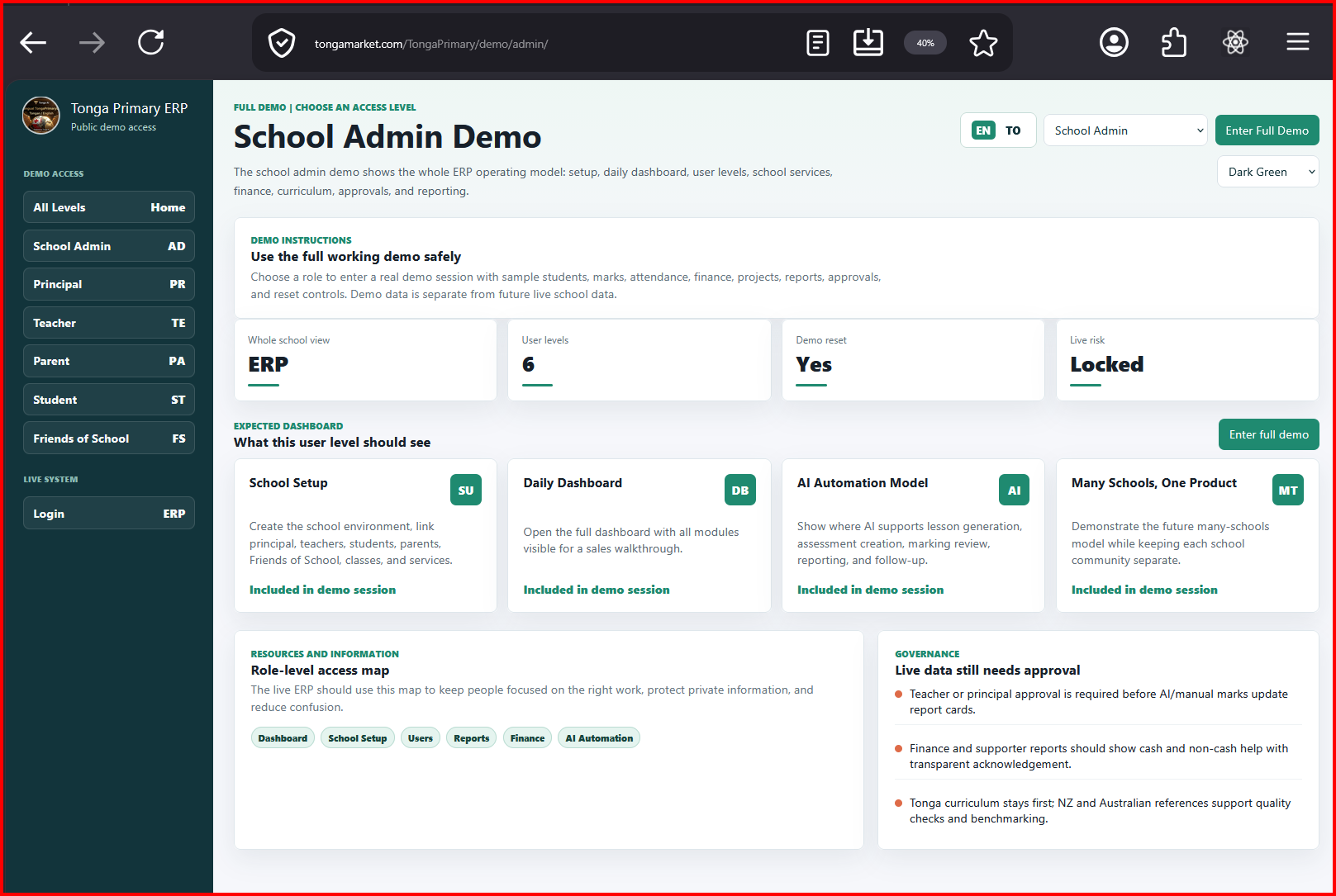
This is where a small working slice helps people touch the process without touching production data.
03Protect the process
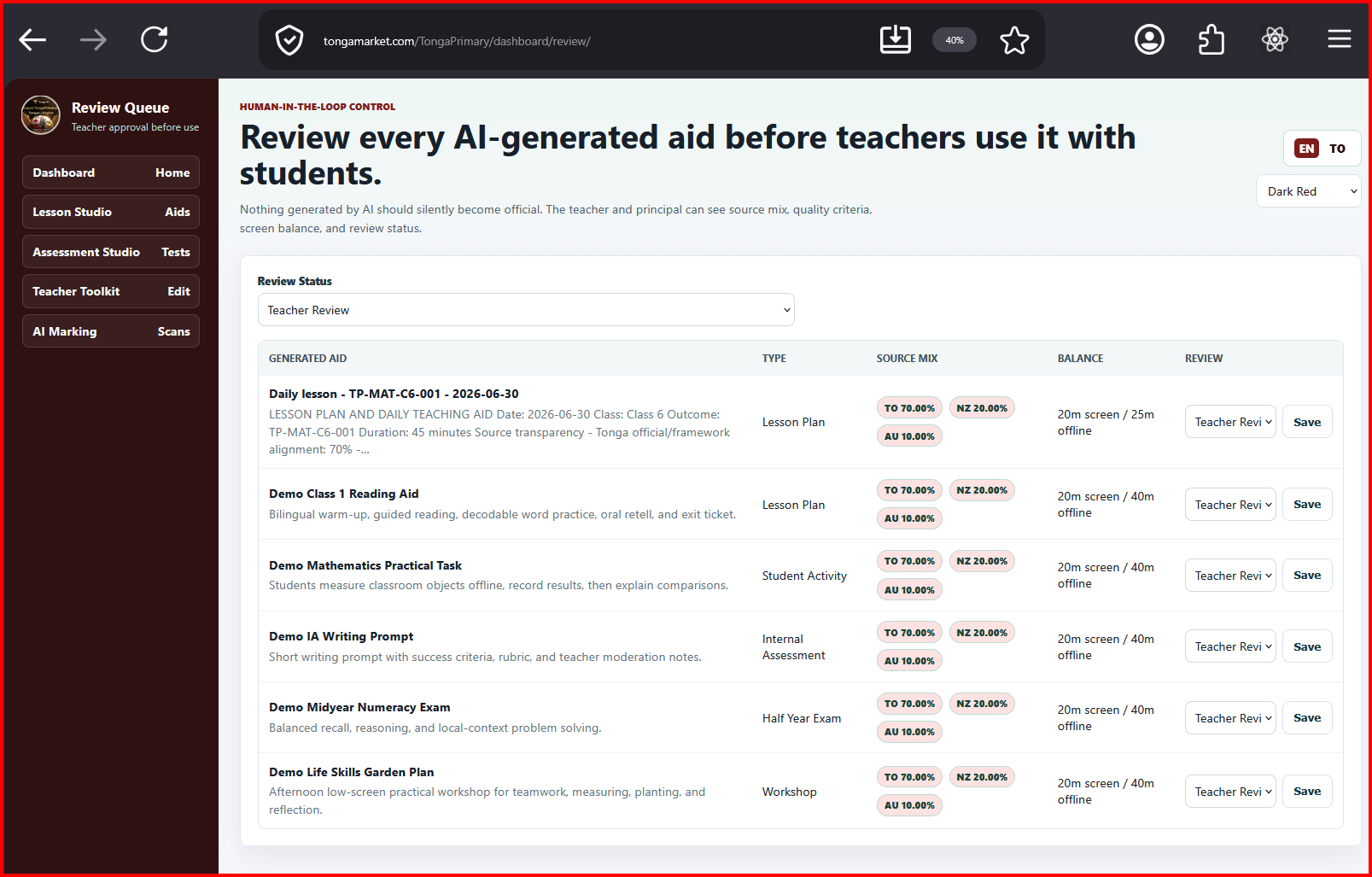
The screenshot makes the boundary between public explanation and private process much easier to see.
04Migrate and test
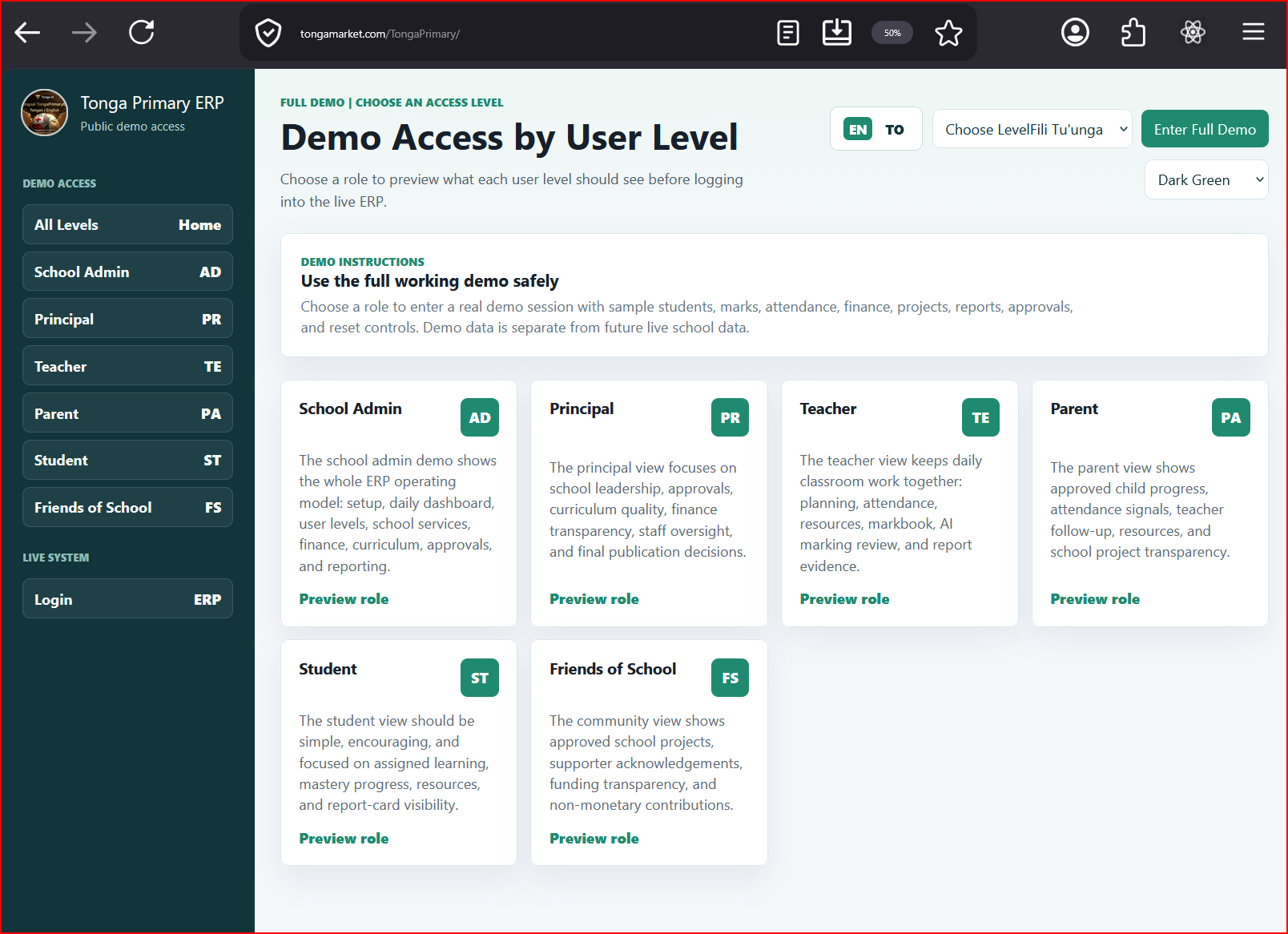
Use one visual reference for what changes when the prototype moves into the real client environment.
05Support and improve
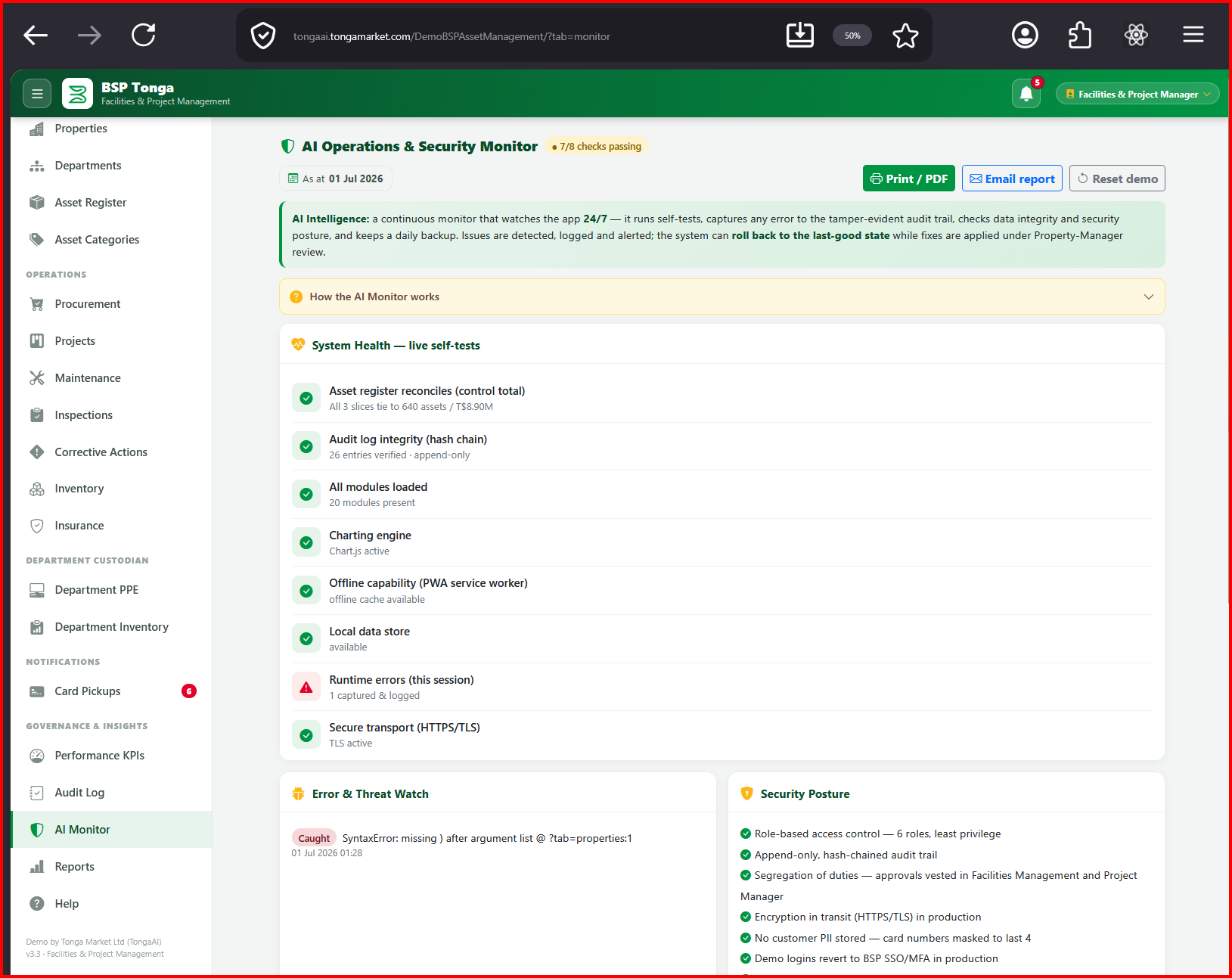
This is a strong pattern when you want the user to tap, inspect, close, and continue with the original layout preserved.
Automation examples
Manual work that can become controlled, auditable workflows.
These are examples of AI-assisted and code-driven automation. The exact design depends on each client’s process, data, approval rules, and privacy requirements.
Finance close and reconciliation
Daily control accounts, exception reports, variance checks, and month-end reporting packs.
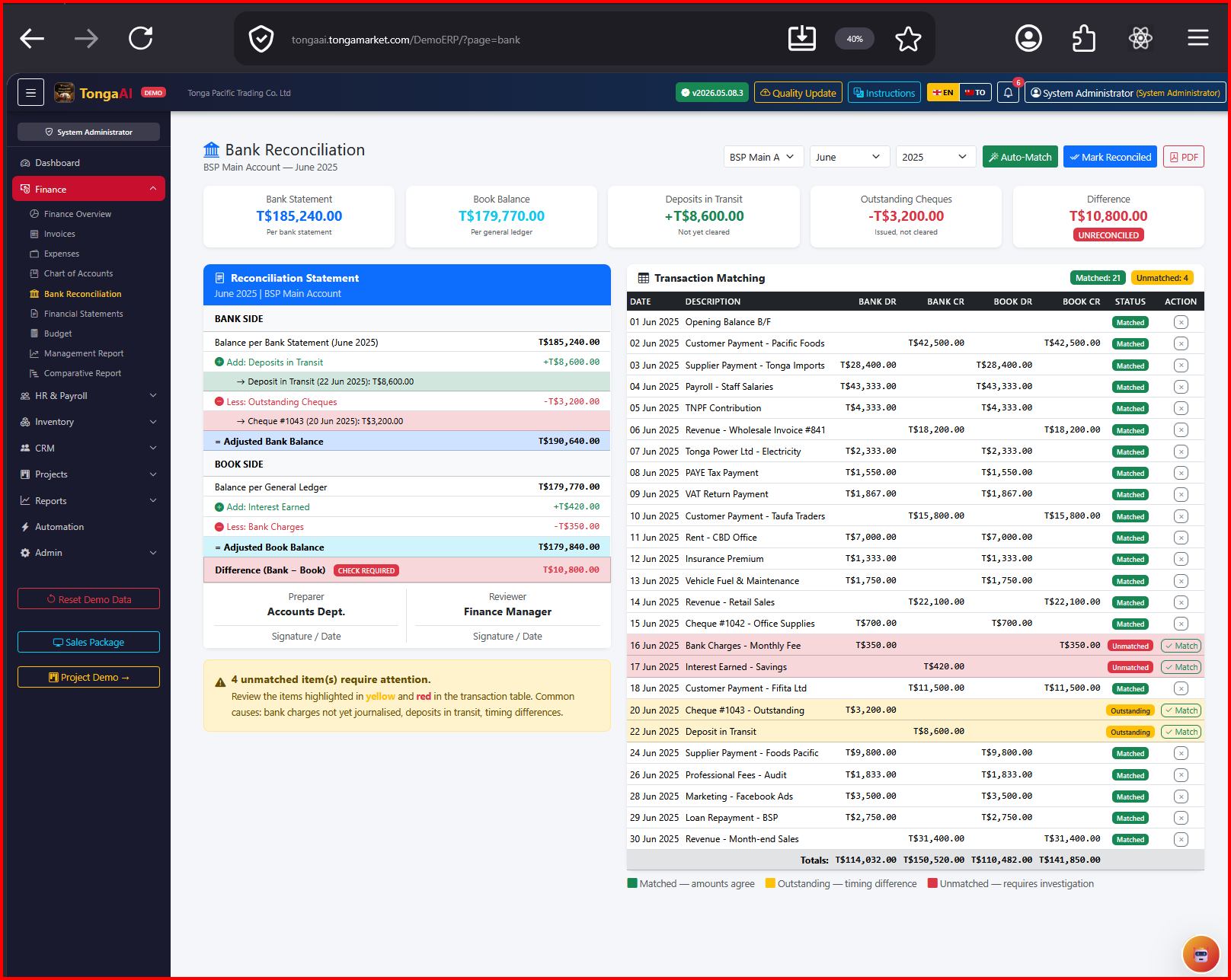
Tap the summary box again to hide this example and return the grid to its original position.
Asset and maintenance workflows
Asset registers, maintenance schedules, overhaul tracking, stock issues, and management reporting.
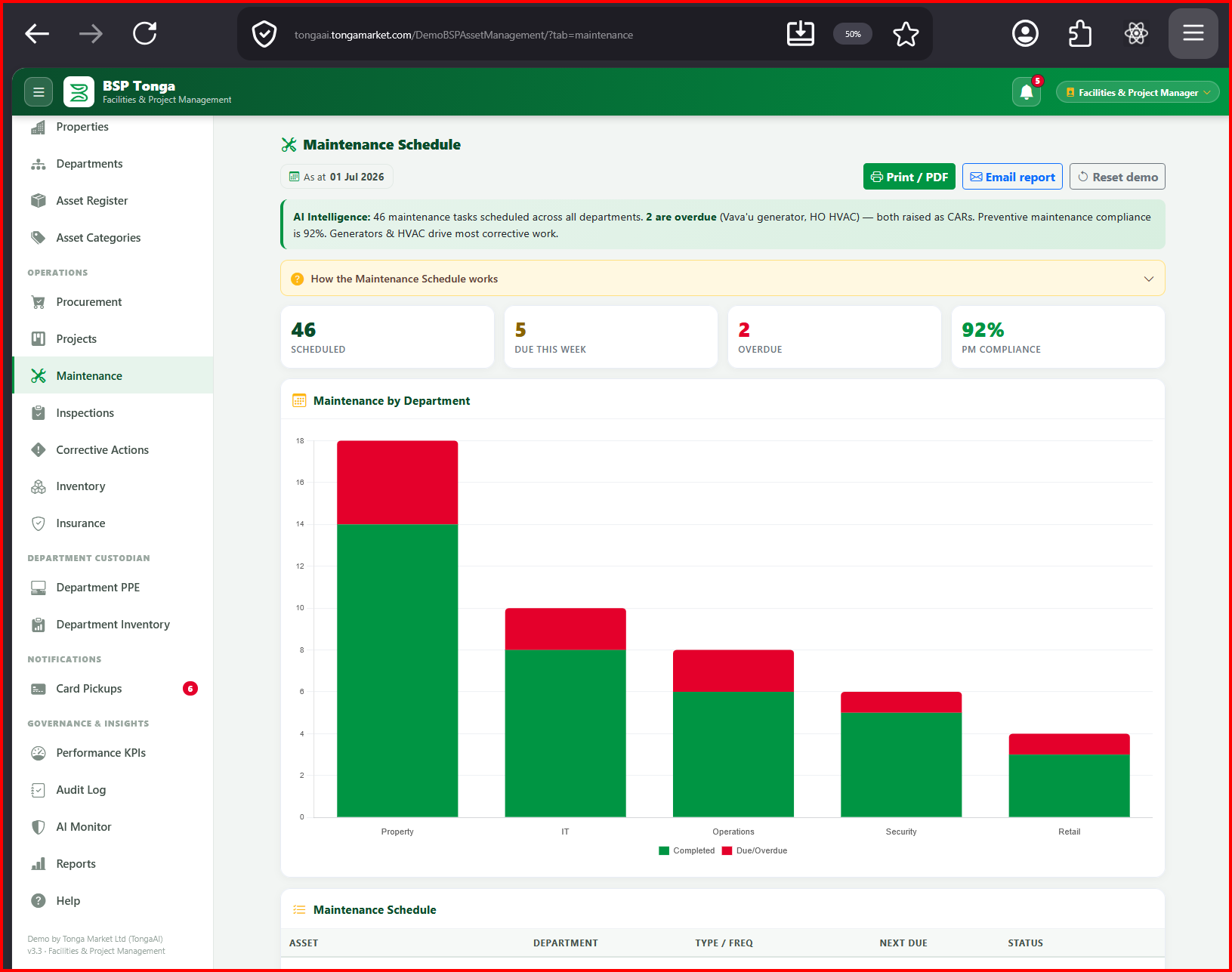
Tap the summary box again to hide this example and return the grid to its original position.
Revenue and customer service
Meter-reading workflows, billing checks, collections follow-up, customer requests, and dispute tracking.
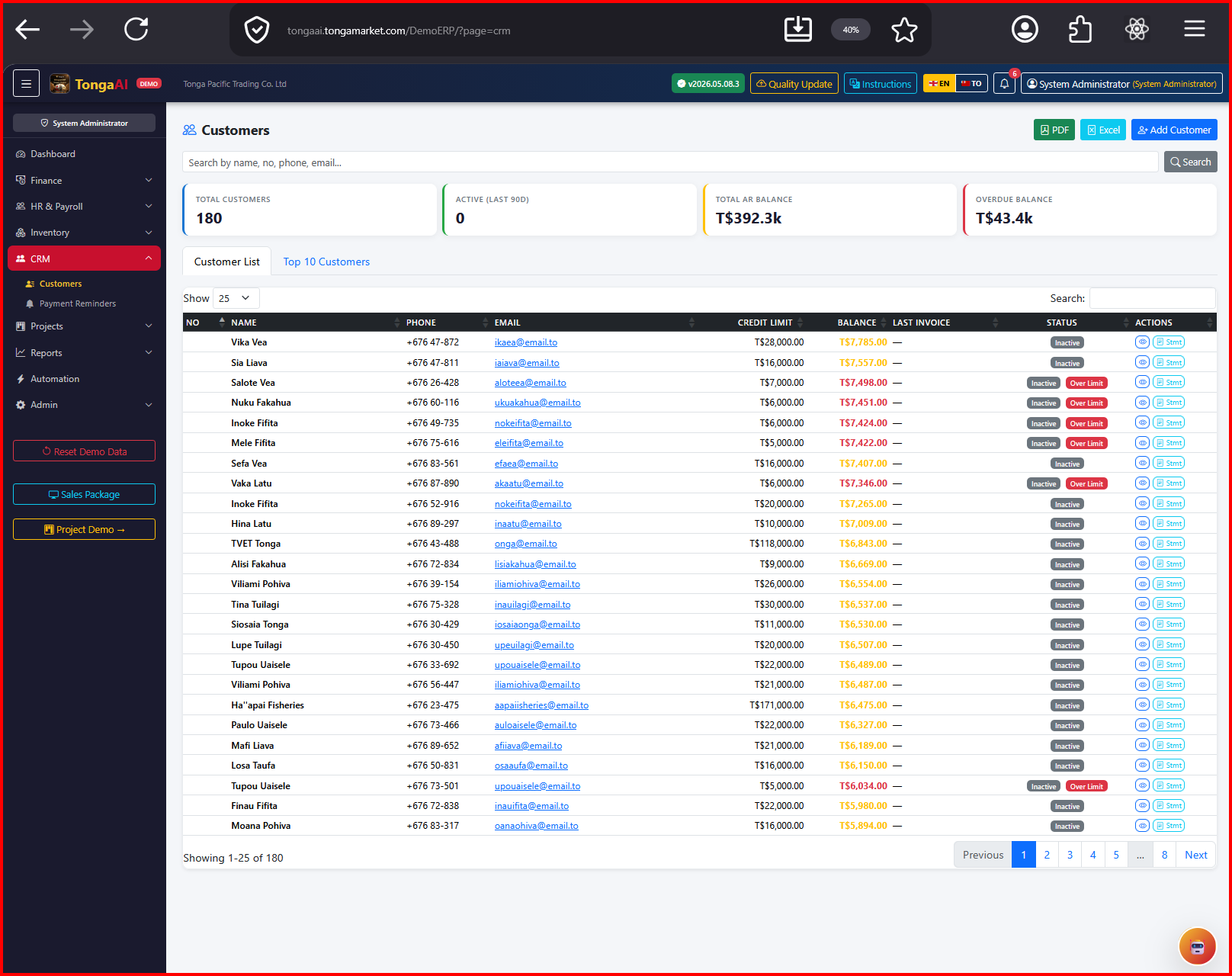
Tap the summary box again to hide this example and return the grid to its original position.
Education ERP workflows
Class planning, homework, tests, internal assessments, exams, marking workflows, school budgets, fundraising projects, teacher small-loan records, and oversight dashboards.
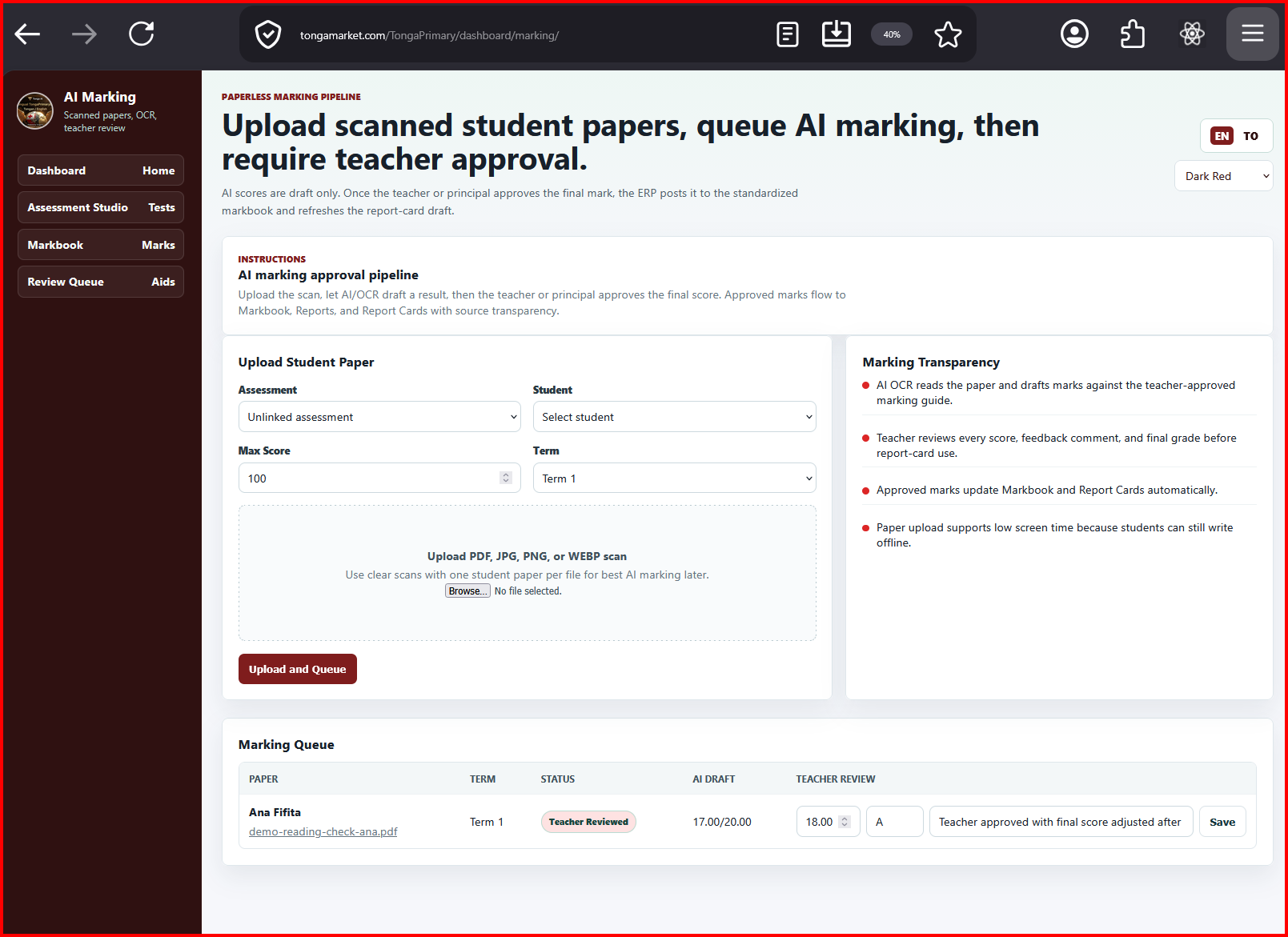
Tap the summary box again to hide this example and return the grid to its original position.
Enterprise integration and reporting
Connected ERP, HR, procurement, materials, customer-service, asset, and spreadsheet sources feeding daily, weekly, monthly, quarterly, annual, and ad hoc reports.
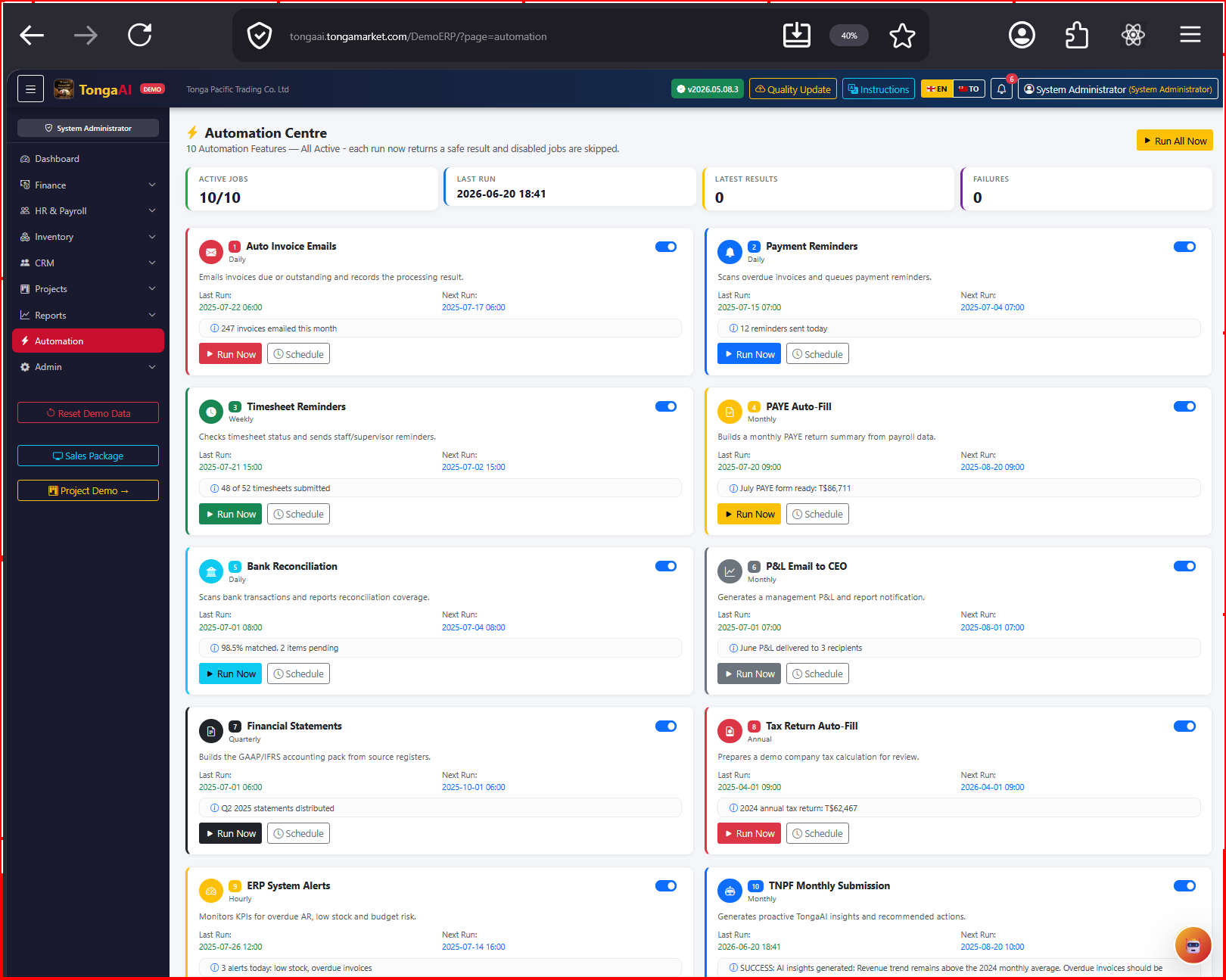
Tap the summary box again to hide this example and return the grid to its original position.
Document and approval automation
Document intake, classification, draft letters, approvals, reminders, and audit trails.
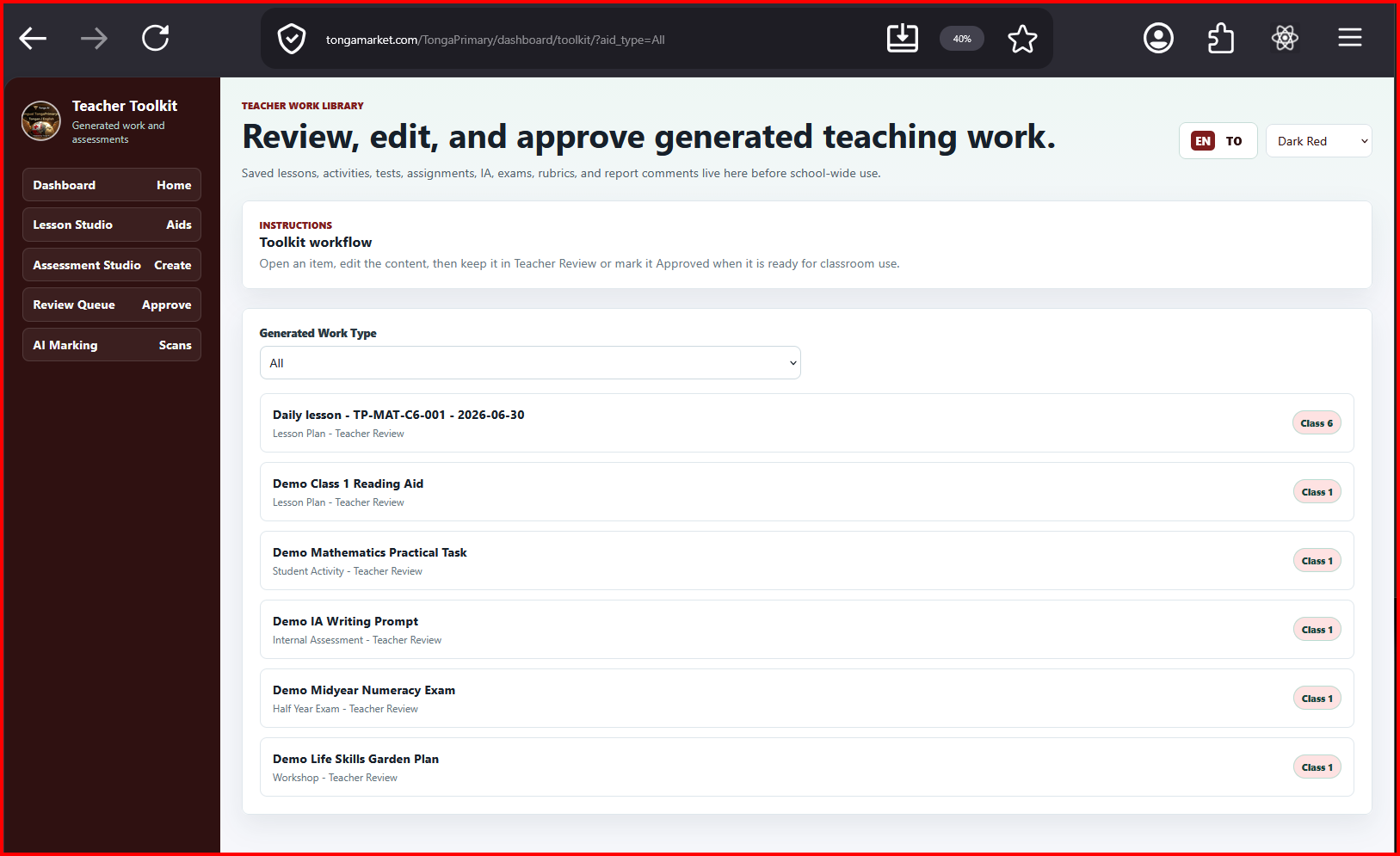
Tap the summary box again to hide this example and return the grid to its original position.
Management dashboards
Board packs, donor reporting, project status, financial indicators, and operational exceptions.
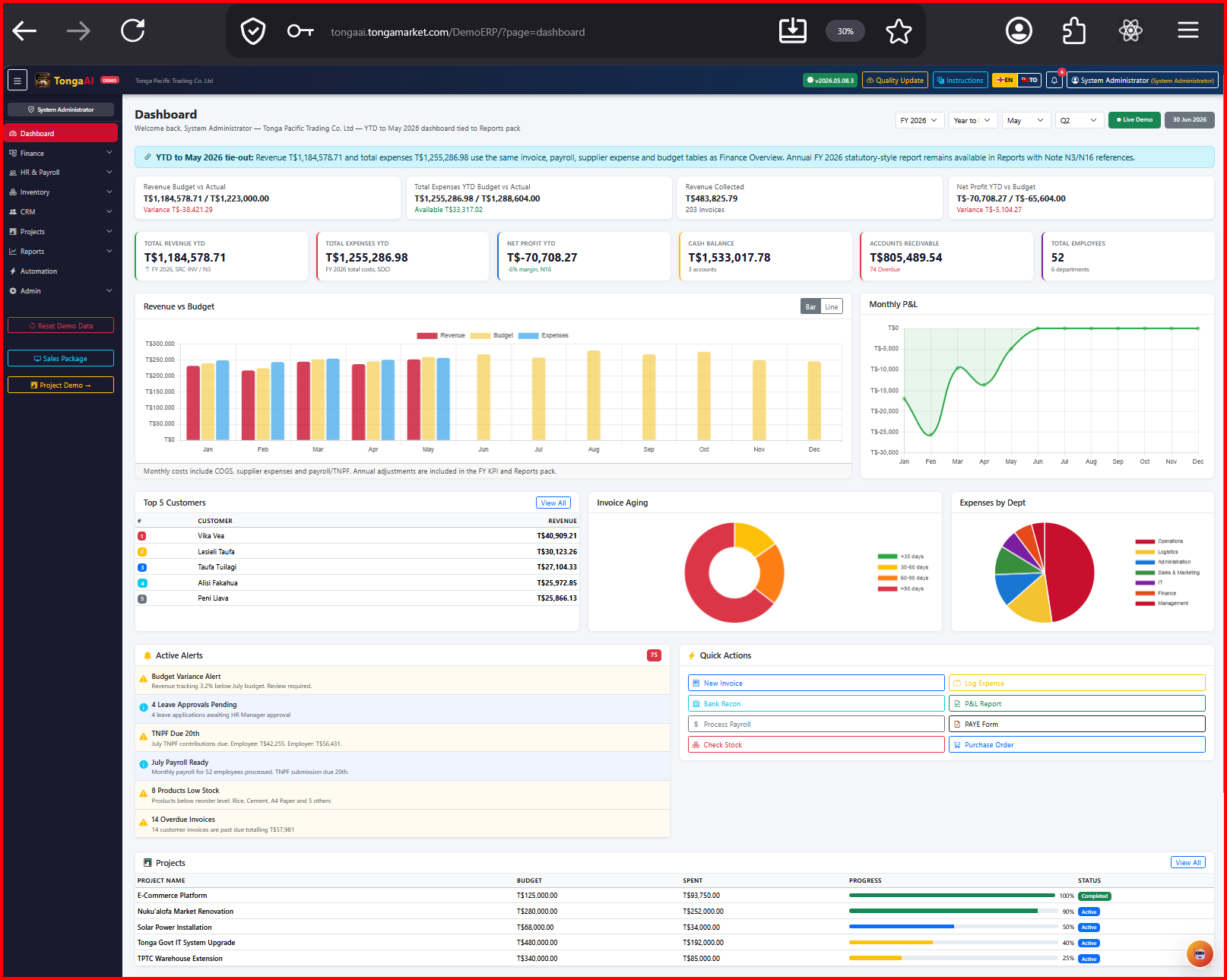
Tap the summary box again to hide this example and return the grid to its original position.
Monitoring and alerts
Health checks, backups, issue logs, security reviews, and owner approval for consequential changes.
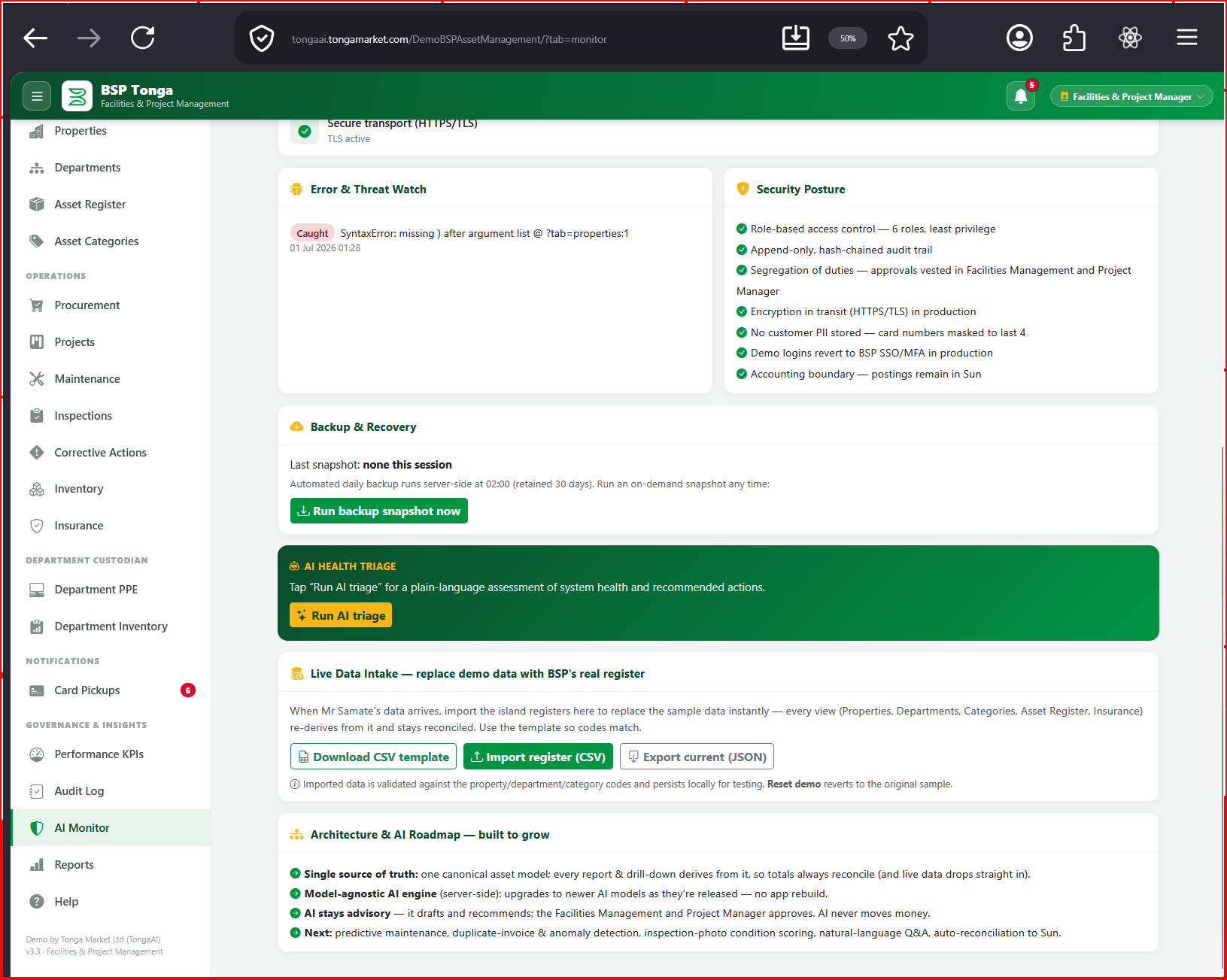
Tap the summary box again to hide this example and return the grid to its original position.
Security and privacy
Trust is the operating system.
Client privacy, secure access, clear approvals, audit trails, backups, and controlled deployment are part of the work from the beginning. AI is used as an enabler, not as an excuse to remove professional judgment.
A useful first conversation
Bring the process that is costing you time.
We will map the problem, identify the quickest valuable improvement, and tell you honestly what should happen next.